Home › Documents › US Passport Photo
US Passport Photo Maker — Free Online
The U.S. Department of State requires a square 2×2 inch color photo taken within the last 6 months. Glasses are not allowed, and the expression should be neutral or a natural smile with both eyes open.
Make my us passport photo free →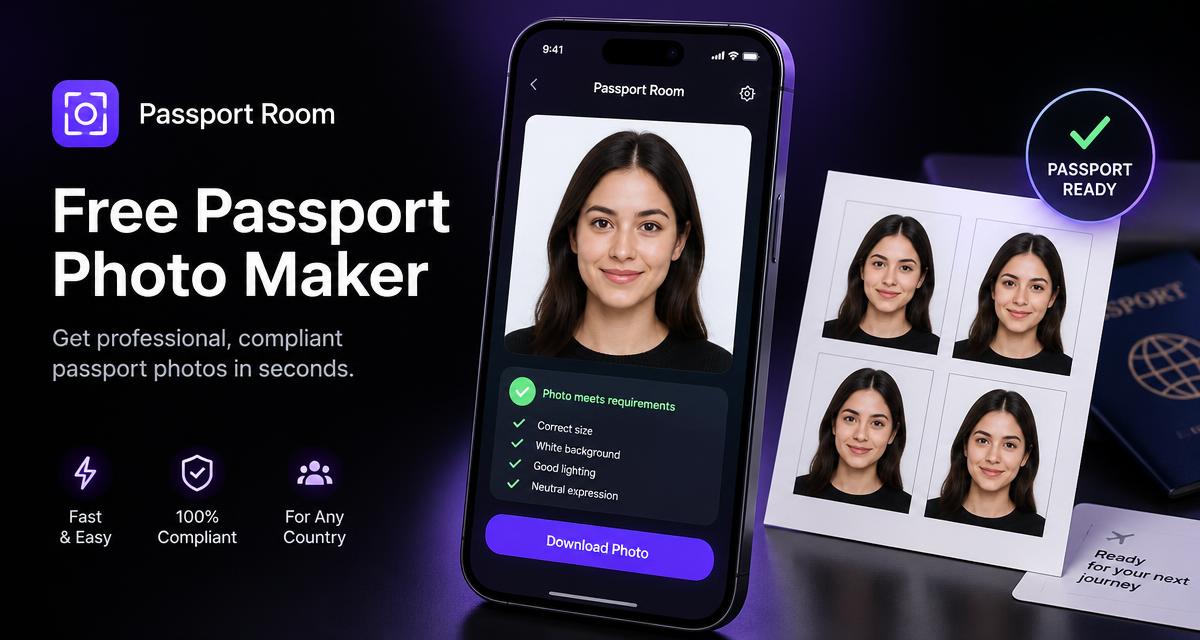
US Passport Photo requirements at a glance
| Photo size | 2 × 2 in (51 × 51 mm) |
| Digital / pixels | 600 × 600 to 1200 × 1200 px (digital) |
| Head size | 1 – 1⅜ in (25 – 35 mm) chin to crown |
| Background | White or off-white, no shadows |
| Resolution | 300 DPI print-ready |
| Price on Passport Room | Free, unlimited, no watermark |
How to make a us passport photo in 3 steps
- Take or choose a photo — face the camera in even light against a plain wall.
- Pick "US Passport Photo" in the size list — Passport Room crops to 2 × 2 in (51 × 51 mm) and replaces the background.
- Download the digital file or a 4×6 print sheet and print at 100 % scale.
Photos that pass vs. photos that get rejected
Pass: sharp focus, eyes open and level, neutral expression, even light, plain background, taken within 6 months.
Rejected: shadows on face or background, tilted head, glasses glare, filters or beauty edits, hair covering eyes, wrong head size.
Frequently asked questions
Can I wear glasses in a US passport photo?
No. Since 2016 glasses are not allowed in U.S. passport photos unless you have a signed medical statement.
Can I take a US passport photo at home?
Yes. Use a plain white wall, even window light and a camera at eye level about 1.2 m away, then crop it to 2×2 inches with Passport Room.
Always confirm the latest rules with the official issuing authority before submitting — requirements can change.